.svg)
Table of Contents
How does RCS rich messaging work?
Before thinking about how to activate RCS messaging on your Android or Apple device, you should better understand how the application works.
An online messaging service
You no longer need a phone number to send a message. With RCS technology, you use mobile data or a Wi-Fi network directly to send an SMS.
Simply put, this new messaging application uses an IP address to send the SMS. You should subscribe to carriers known for the quality of their connection before activating your Rich Communication Services (RCS) system.
The benefits of RCS messaging
Google is the first to support this type of service. For good reason: compared to the classic SMS/MMS sent on your mobile, RCS technology offers several advantages. Notably, it allows you to communicate with people all over the world, from Canada to France and beyond. You will no longer have to pay penalties due to differences in phone numbers. The plan will be a single, online rate.
Furthermore, the protocol is more secure. You will no longer be subject to tracking by the government or mobile phone companies every time you hit send. By using the internet, you ensure the security of the information you send.
Thanks to a Google RCS account, you can send messages via your mobile, but also via your computer. It remains to be seen how to activate this messaging system on your smartphone and synchronize it with your PC.
Is RCS messaging only available on Android?
RCS chat is also known as "messaging for everyone." This means that the applications work on all devices, whether Android or Apple. You simply need to ensure that the smartphone you are messaging has the online messages application.
Obviously, each brand can rename its messaging service as it wishes. This is why we see names appearing on the market like Google Messages, Samsung Messages, etc. Nevertheless, the features of these applications are compatible.
At Octopush, we can offer you a high-performance and efficient online messaging service that is, above all, easy to use. It’s everything you need to get started in the world of 2.0 messaging with ease, without having to change your smartphone.
How do I know if RCS messaging is activated?
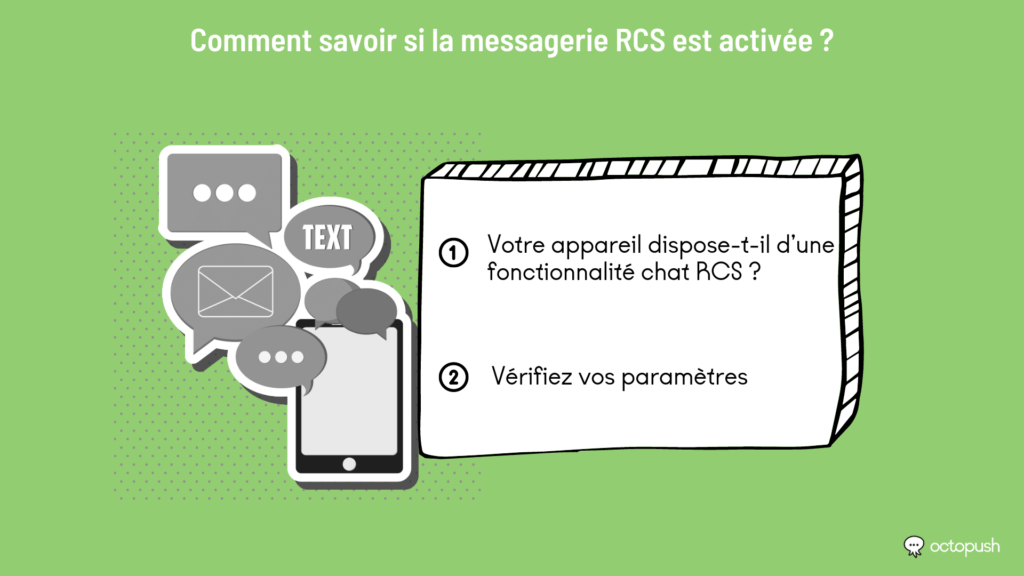
Does your device have an RCS chat feature?
Mobile device brands did not all adopt RCS messaging at the same time. Moreover, while the online messaging service is available on some devices, others use applications other than the Google Messages app, for example. This is the case for Apple devices, which work exclusively with iMessage. The first step is therefore to check if your smartphone has RCS chat features.
To do this, go to your device's SMS settings. If your phone gives you the choice between classic SMS/MMS functions or another application, your device already has an RCS system.
Check your settings
Check your SMS settings to see if you have correctly activated the application. The "Enable chat features" option should be green or checked, or both. In this case, you can send messages directly via your application.
If this is not the case, we will show you how to fix it.
How can professionals easily enable RCS messaging?
Currently, RCS is not a native option on Android smartphones. To use it, you need to enable chat features. So, how do you activate RCS messaging? That is the question.
Download your app
Naturally, you must start by downloading and installing your Android RCS messaging app. Go to the Play Store or Google Play to do this. You will have plenty of options to choose from.
Connect via settings
To activate it, go to settings and tap on features. Fill out the Google Messages RCS form. You will need to confirm your phone number, for example. Check the options that interest you, such as:
- Enable chat features
- Send read receipts
- Show typing indicators, etc.
- Then, tap "Continue."
You can also connect directly to your account from your computer. Go to the website, then select "Messages for web." Then, on your smartphone, tap "More options" and "Device pairing." A QR code will appear, which you must scan to connect to your computer.
From now on, your Android and computer accounts will be synchronized, making it easier to communicate with your contacts.
Activate your RCS app
Next, you need to set your RCS app as your default messaging service. To do this, follow these steps:
- Go to your SMS settings by tapping the three dots in the corner
- Choose your smartphone's messaging app.
- Select your RCS software. It should turn green.
- Return to your messaging interface and send a message to test it.
Keep in mind that your Android RCS messaging app only works if mobile data is enabled. If it is not and your SMS was sent as a standard text, check your settings again. The RCS messaging service is not yet active.
Once activated, your Android RCS messaging app will allow you to send and receive messages, text, images, and even videos and voice notes. It is essentially the perfect marriage between the simplicity of classic SMS/MMS and the features of online messaging services.